Compliance Awareness Management
Write awareness messages, choose who receives them, schedule when they go out and check the delivery of every campaign from one list in MUNTABIQ.
Made for: Awareness Officer, Compliance Team, CISO
Sounds familiar?
The security team sends a warning about fake invoice emails from a personal mailbox. A month later, nobody can say exactly who received it, when it was sent, or whether it was delivered at all.
Different teams send awareness emails from different tools, with no shared view of what went out.
The content, recipients and send time of past campaigns are not kept together.
There is no simple way to see how many people were reached or why a send failed.
How MUNTABIQ helps
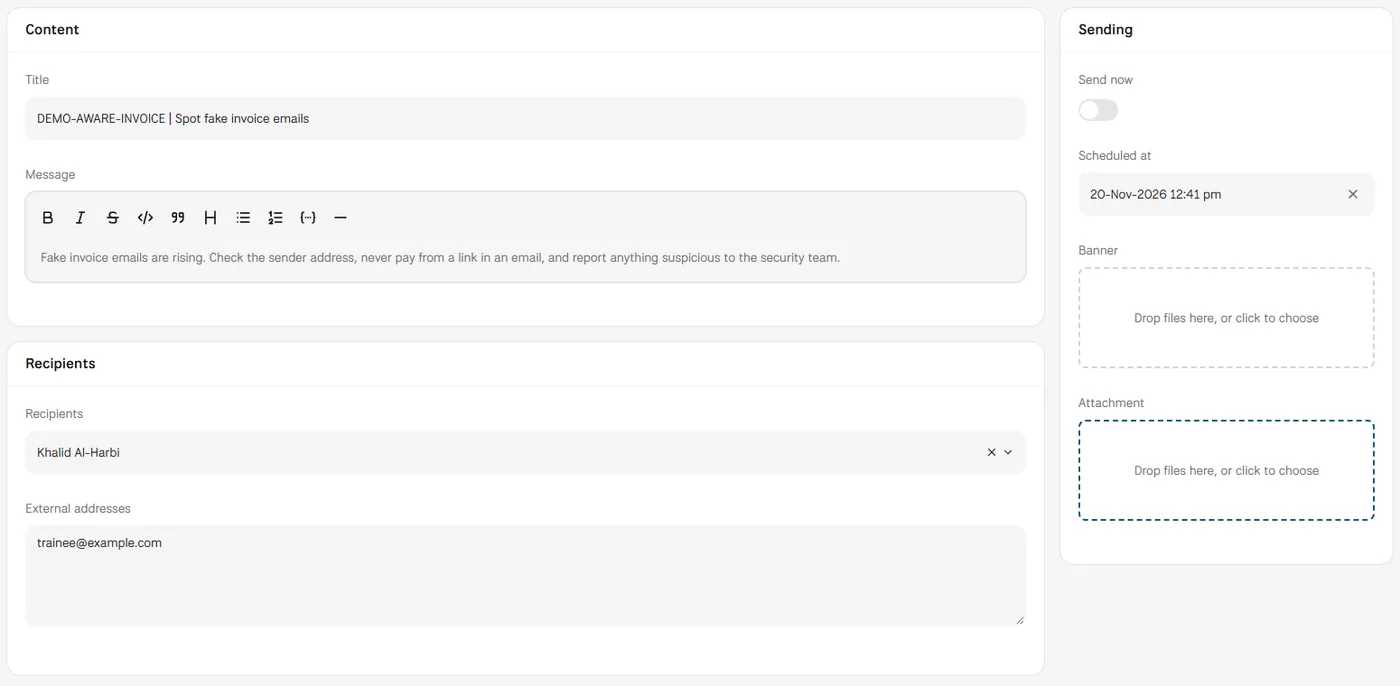
In MUNTABIQ, each awareness message is a campaign with its own record. You write the content in a text editor, pick employees or departments from the organisation tree, add external addresses if needed, and either send it now or schedule a date and time. The campaign page keeps the content, recipients and attachment, and its Delivery section shows how many messages were accepted or rejected, with the reason when sending fails.
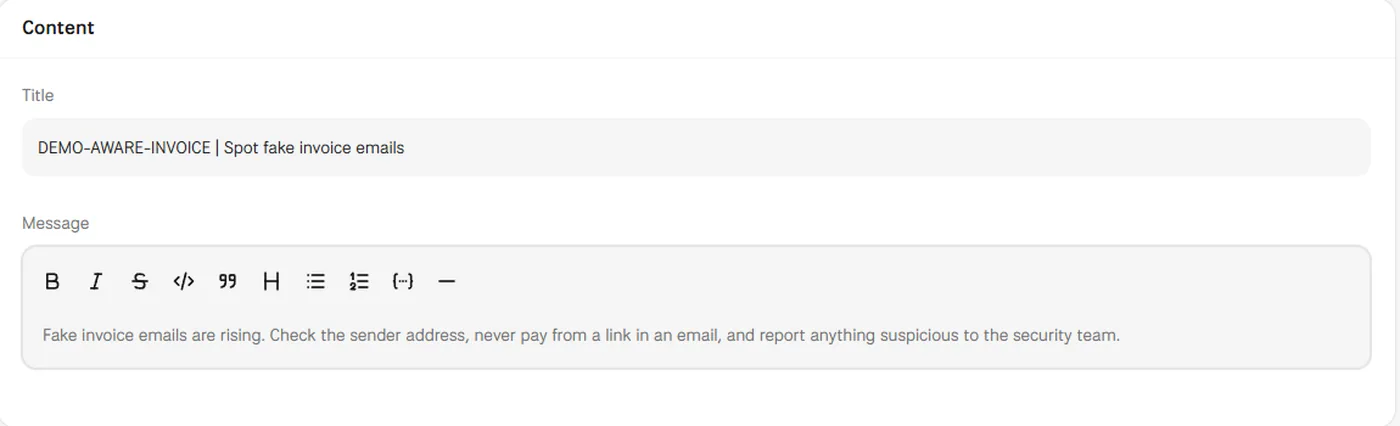
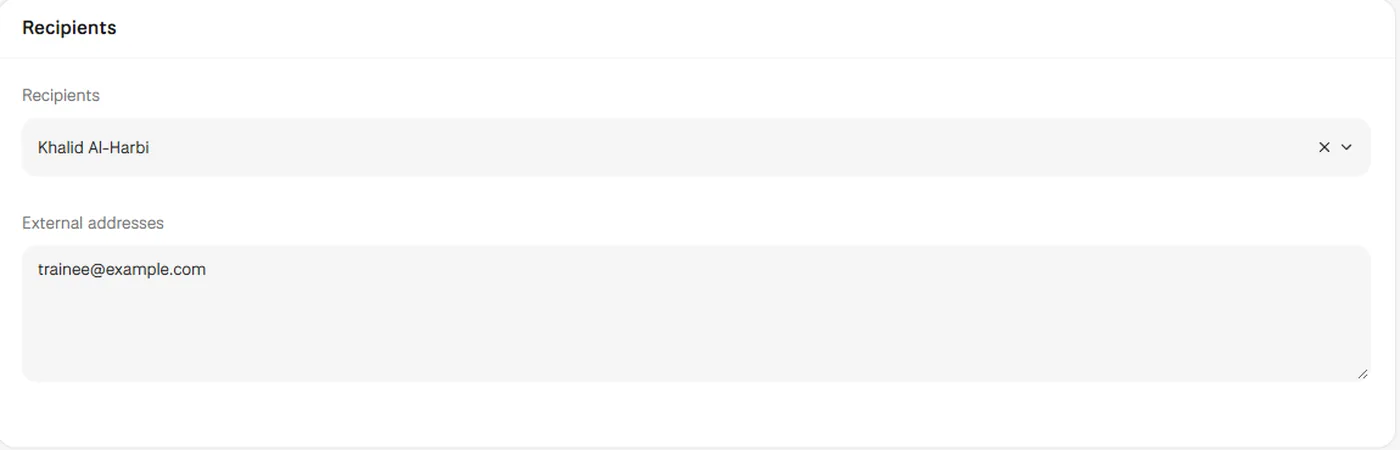
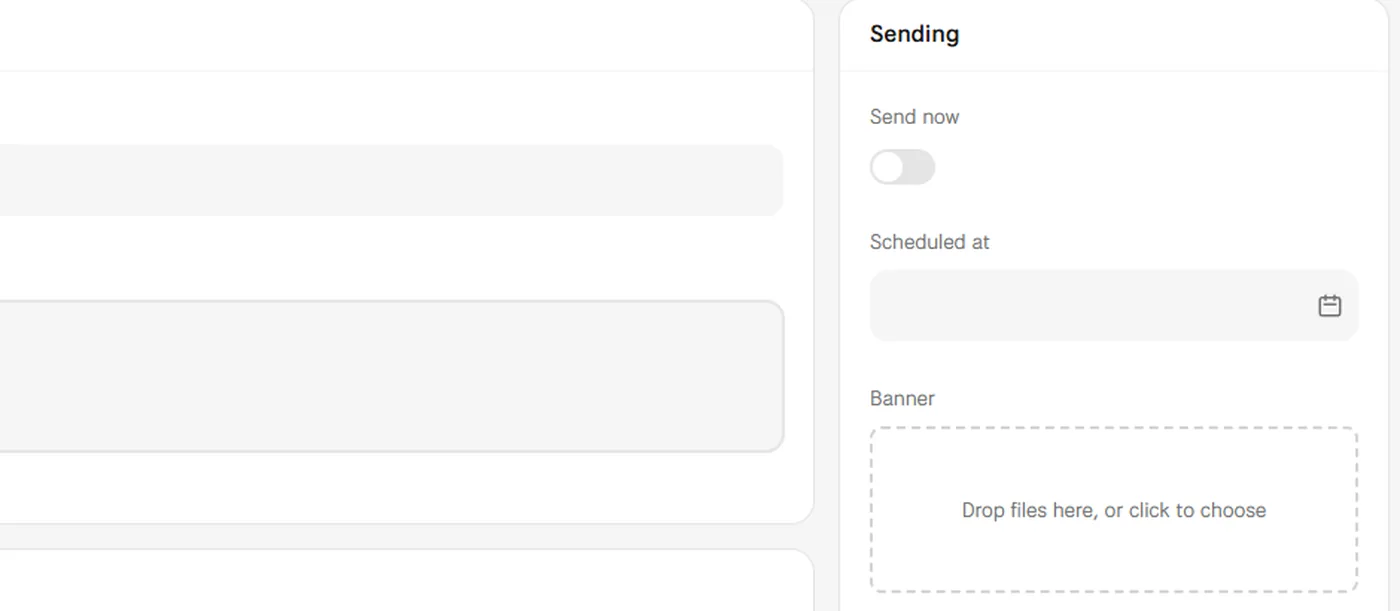
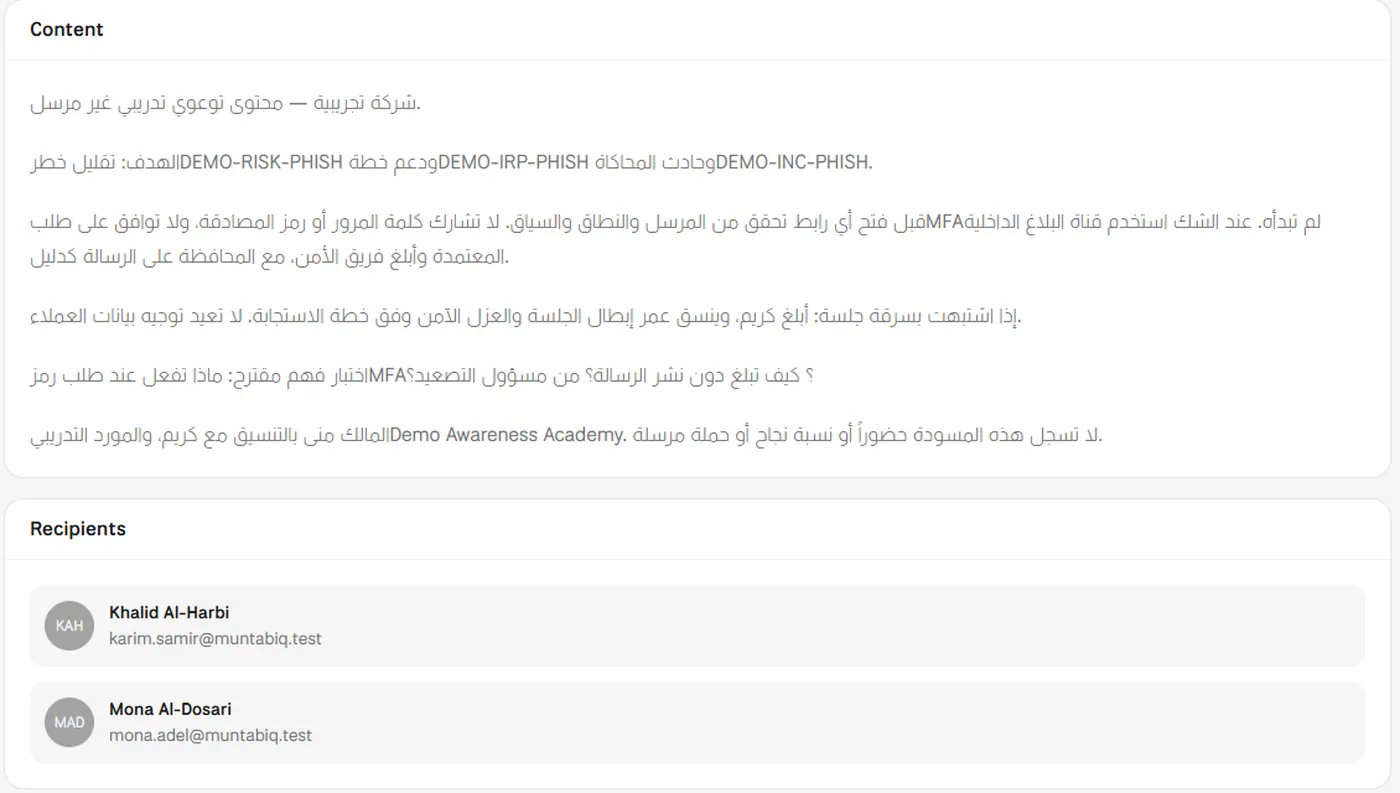
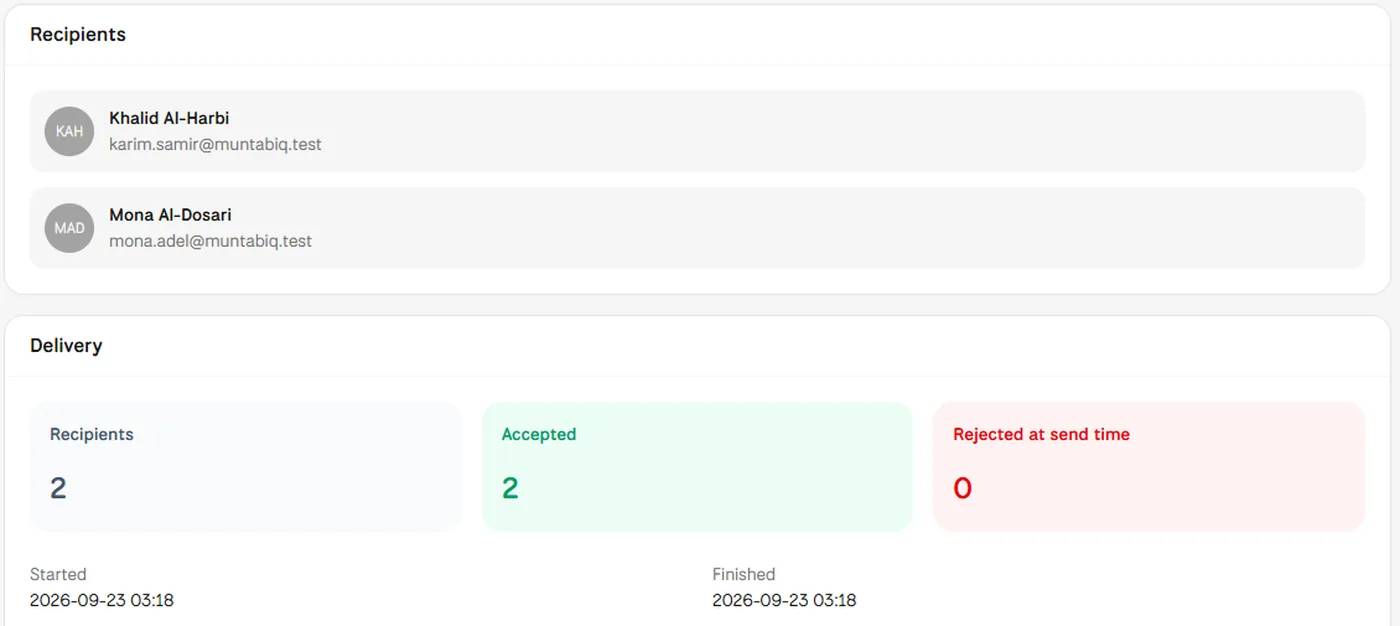
Screens from MUNTABIQ with demo data.
Content, recipients, attachment and send time stay together on one campaign page.
Messages go out at the time you schedule, once the content is ready and approved.
You see how many messages were accepted or rejected, and why a send failed.
Prepares and schedules campaigns and checks delivery without switching between mail tools and spreadsheets.
Keeps a record of which awareness messages were sent, to whom and when.
Sees awareness campaigns and their status in one list.
Yes. Campaigns are sent by email to the employees and departments you choose and to any external addresses you add. A mail server must be configured for sending, and we set this up with you.
The campaign page shows delivery results: the number of recipients, how many messages were accepted, how many were rejected at send time, the start and finish times, and the reason if sending failed. After fixing a problem, you can resend the campaign from its page with Send again.
Yes. Each campaign has a Scheduled at date and time, and the campaign list shows when every campaign is scheduled. Keep Send now off until the content is approved, so the message is not sent as soon as you save.
Request a demo and we will walk you through writing, scheduling and checking an awareness campaign for your staff.
