Centralized Evidence Management
Keep every piece of evidence inside the control it proves, with who added it and when, so your team finds it again at the next review without searching inboxes and shared drives.
Made for: GRC Analyst, Control Owner, Auditor
Sounds familiar?
A reviewer asks for the approved committee charter. A colleague remembers sending it last year, but one copy sits in an old email thread, another is in a shared folder, and nobody knows which one was actually checked.
Without one home for evidence, teams collect the same files again for each review.
Evidence lives in personal folders and email attachments, away from the control it supports.
It is unclear who added a file, when, and whether the control status changed because of it.
How MUNTABIQ helps
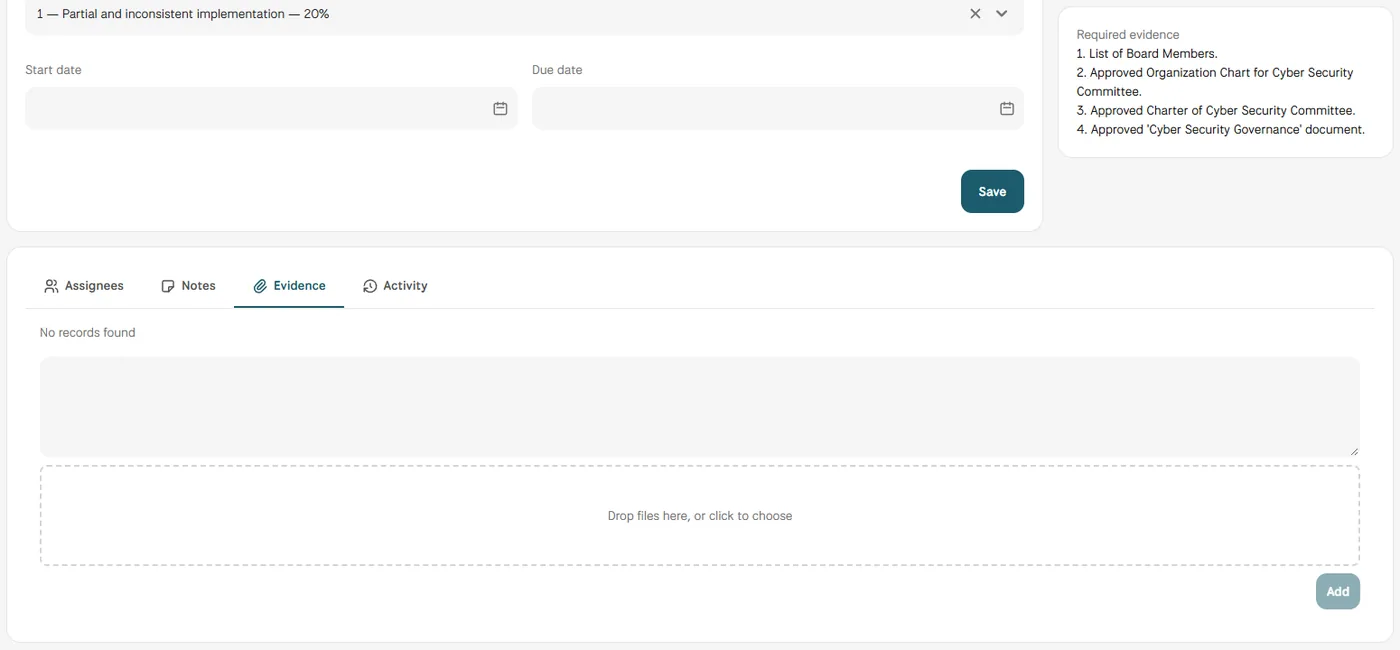
MUNTABIQ treats evidence as part of the control, not as a separate folder. Each control lists the evidence it requires, its owner receives the request inside the platform, and files are added in the control's Evidence tab with the uploader's name and time. Policies in the Documents module can also be linked to the controls they satisfy, while the Notes and Activity tabs keep the discussion and the change history next to the evidence.
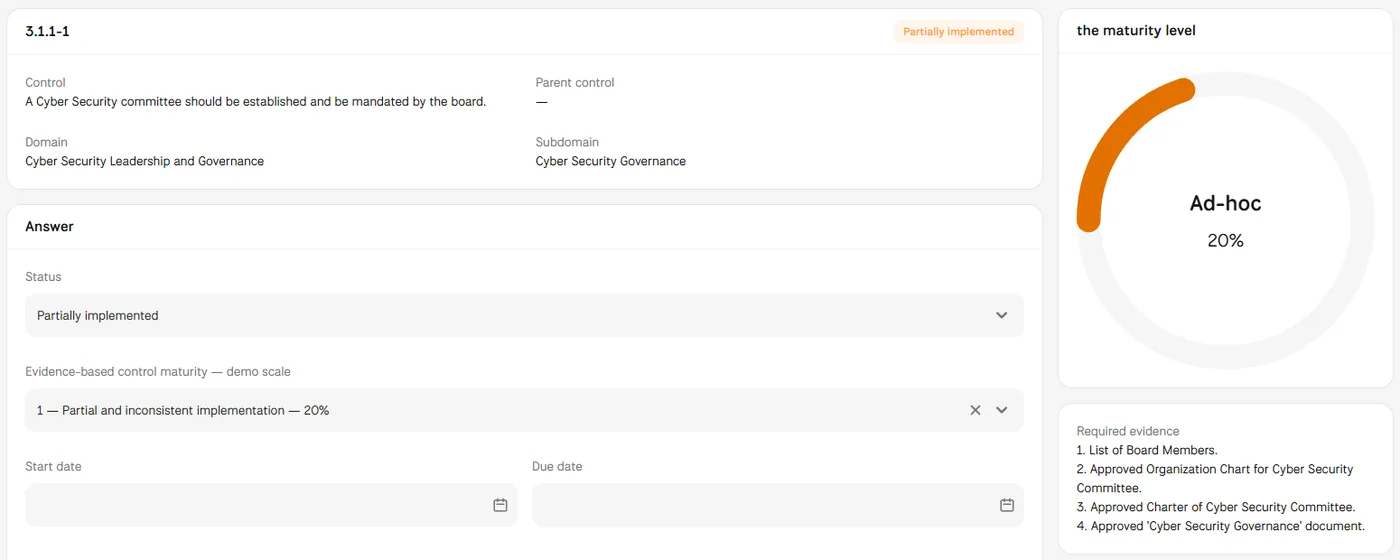
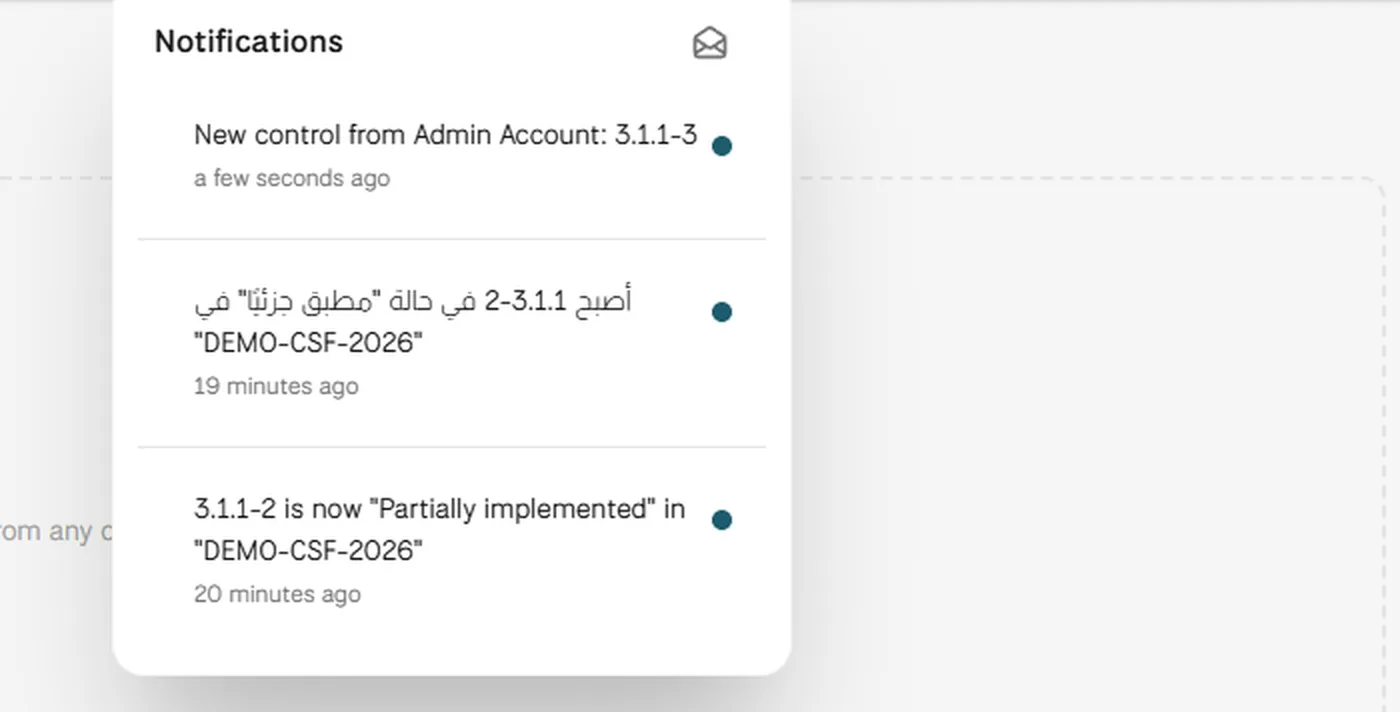
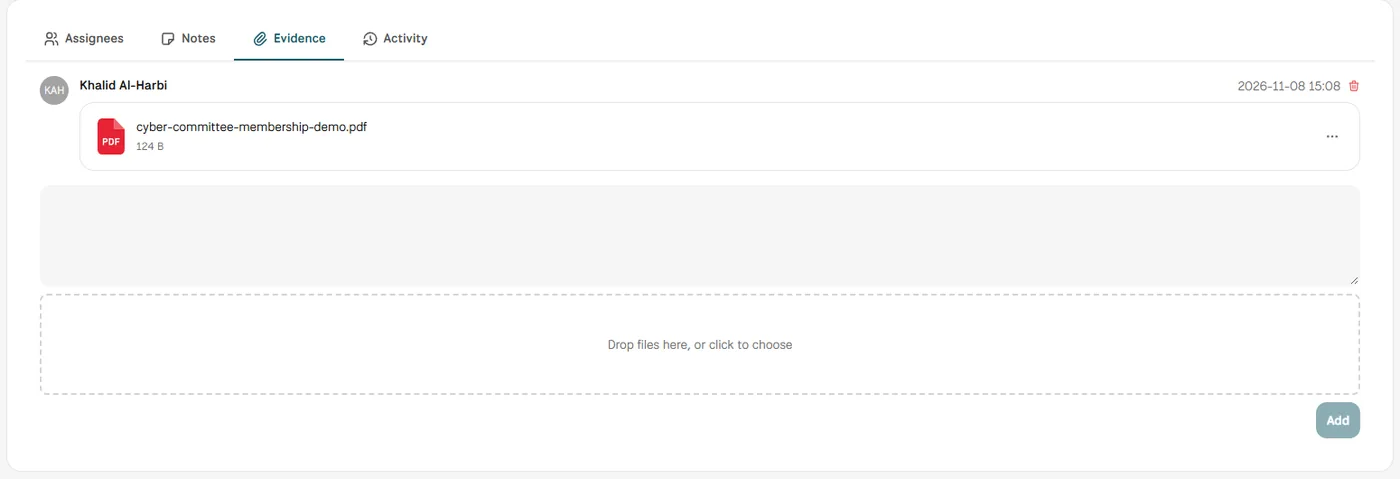
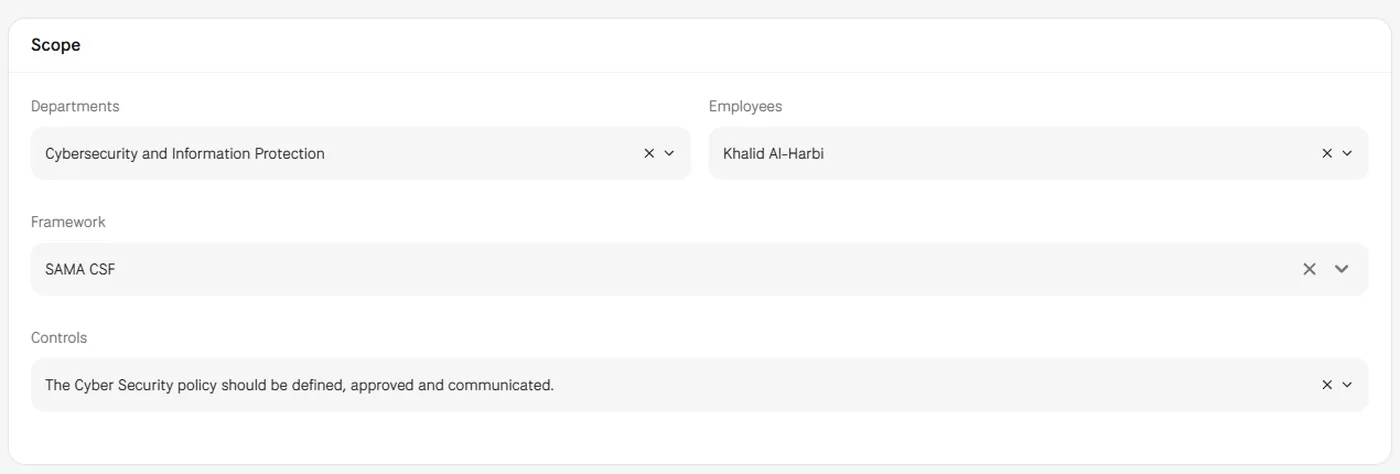
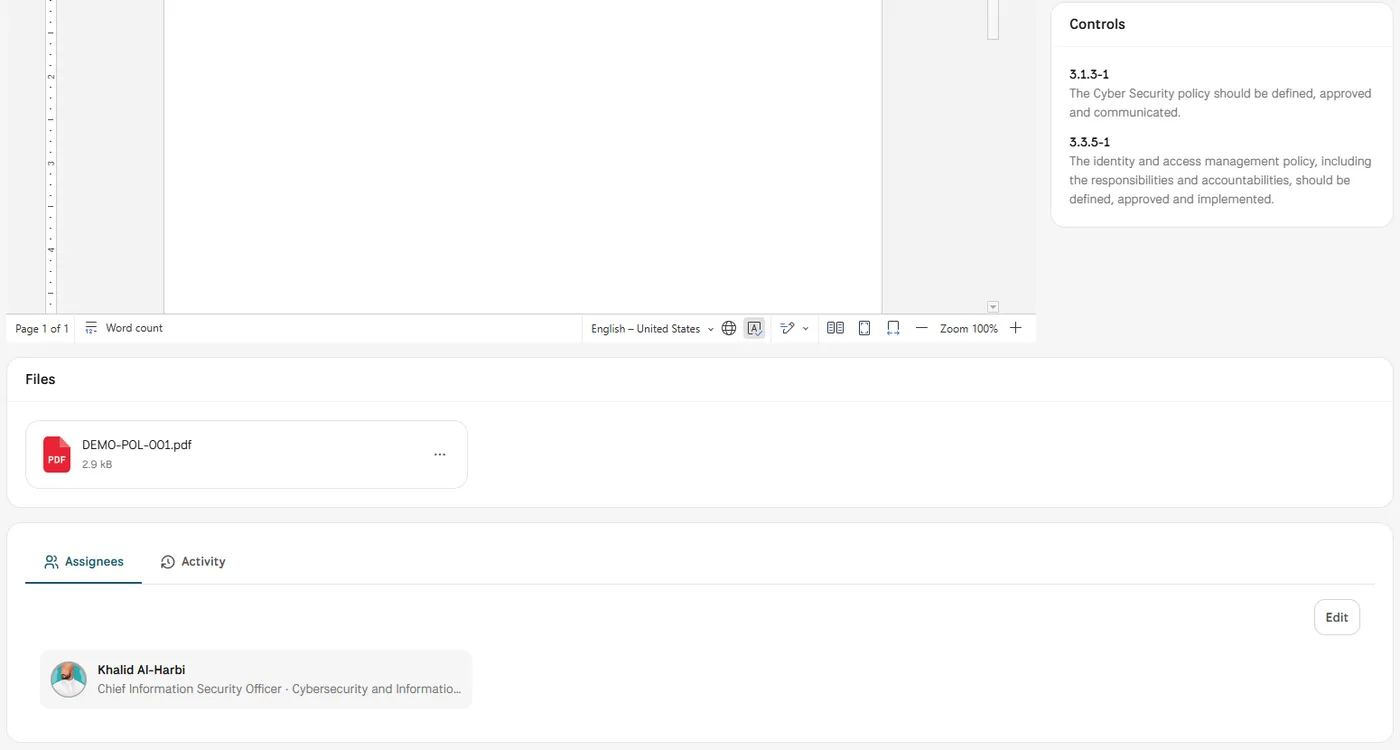
Screens from MUNTABIQ with demo data.
Every file sits in the control it supports, with the name of who added it and when.
Evidence already uploaded stays in place for the next review instead of being gathered again.
Notes explain what a control is still missing, and the Activity tab shows every change to its status.
Sees which controls still lack required evidence and follows up with owners from the control itself.
Receives a clear request, uploads the file in the right place and sees what else the control requires.
Opens a control and finds its evidence, notes and change history together, without asking for the file again.
Files are added in the Evidence tab of each control by dropping them in or choosing them, and the demo shows PDF evidence. Policies and other records in the Documents module can also be linked to controls. We confirm the file types your team uses during the demo.
Yes. Evidence is uploaded inside a control of a specific assessment, so it stays with that control and that assessment. A policy linked to framework controls also lists those controls and their compliance status on its own page.
The control keeps its current status, and the reviewer writes what is missing in the Notes tab on the same page, where the owner can see it. Every status change is recorded in the Activity tab. If you need a formal approval step, we review the options with you in the demo.
Request a demo and we will show how evidence is requested, uploaded and found again on the framework you work with.
