Automated Compliance Assessments
Create an assessment on a framework, assign its controls, and let each owner answer and attach evidence inside the platform while you follow progress from one place.
Made for: Compliance Manager, Control Owner, GRC Analyst
Sounds familiar?
The assessment goes out as a spreadsheet to dozens of people. Replies come back in different versions, evidence arrives as attachments in separate threads, and someone has to merge it all by hand before anyone can see the result.
Following up each owner by hand takes more effort than the assessment itself.
A status in one file and its proof in another make every answer hard to check.
You find out which controls are still unanswered only after the deadline has passed.
How MUNTABIQ helps
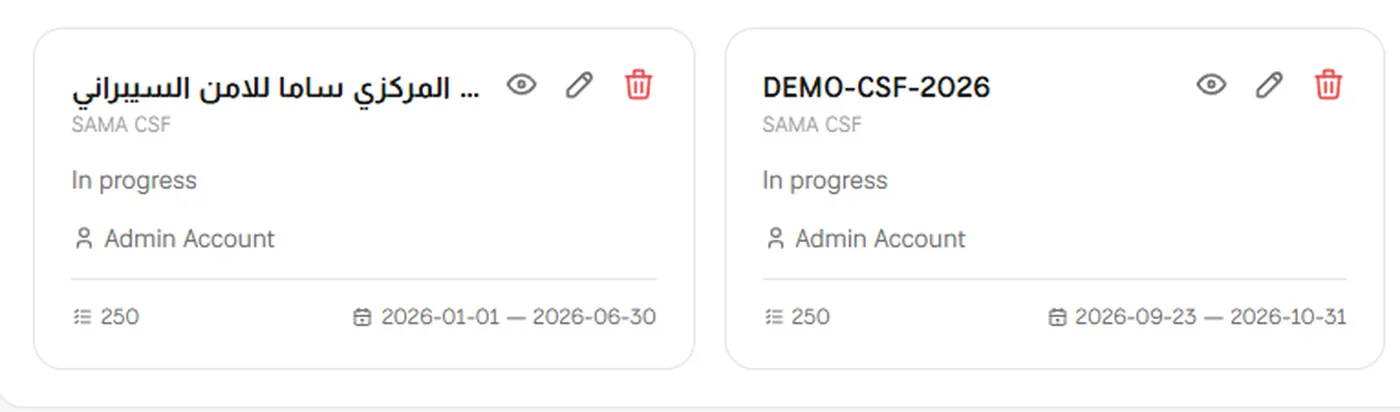
In MUNTABIQ each assessment is a record with a framework, a scope, dates and a manager. Assign a control to its owner and they are notified in the platform; they open the control, upload evidence, choose the status and the evidence-based maturity level, and save. The manager sees the updated answer on the control and the count of controls by status on the assessment, and the next cycle starts as a new assessment with the same structure.
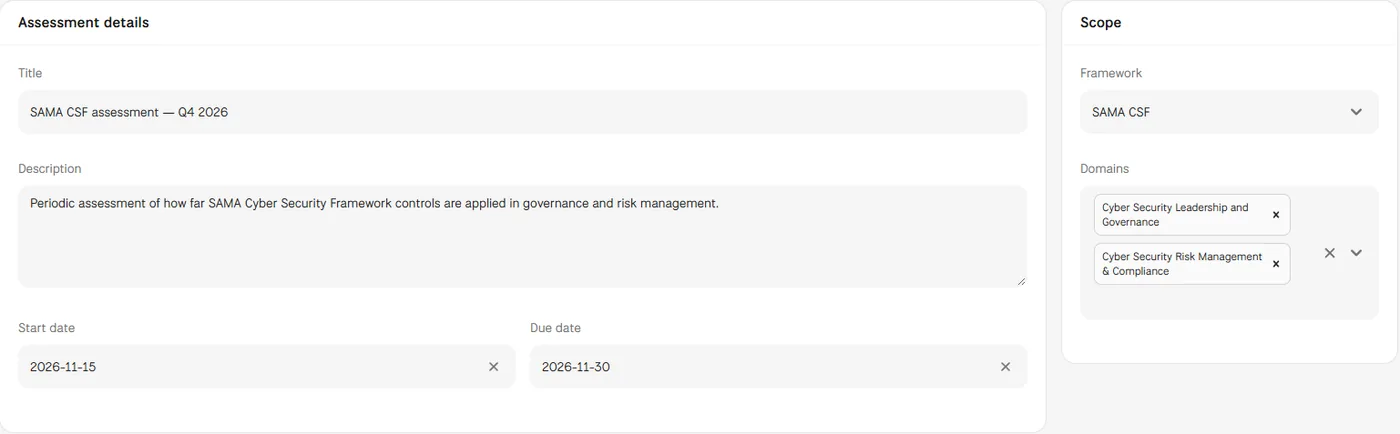
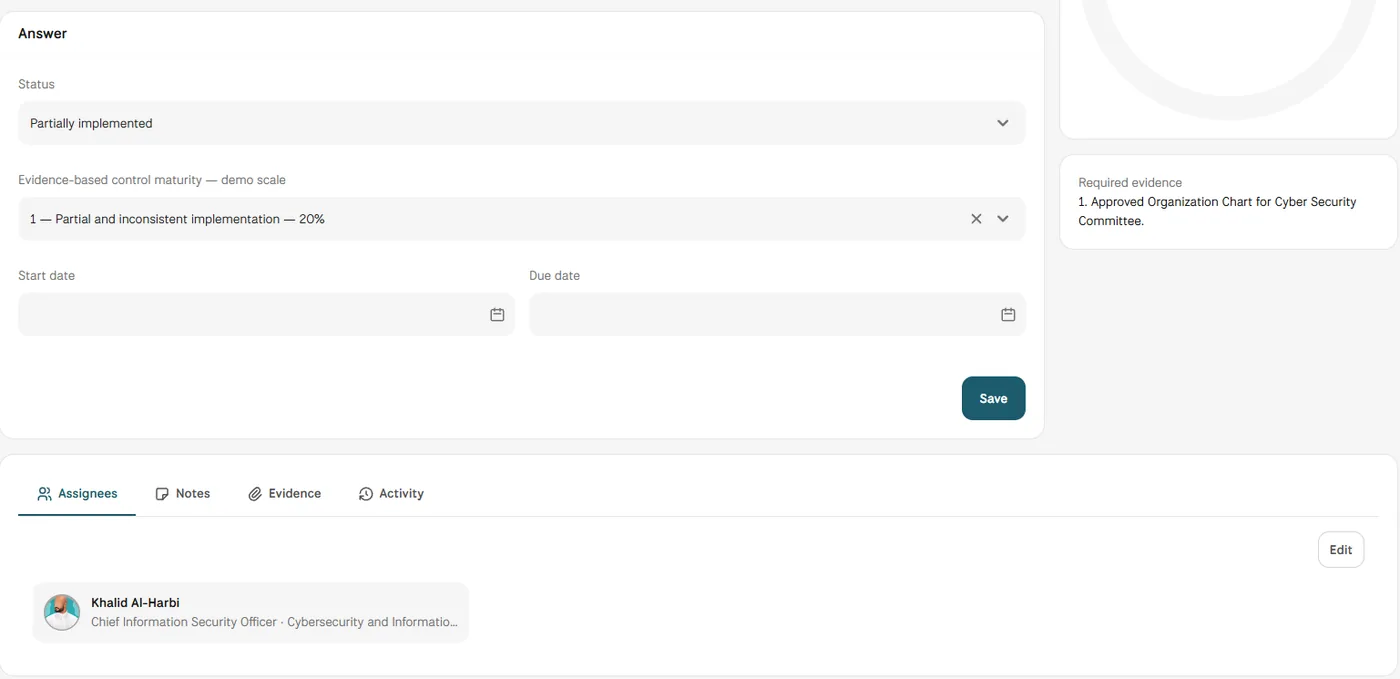
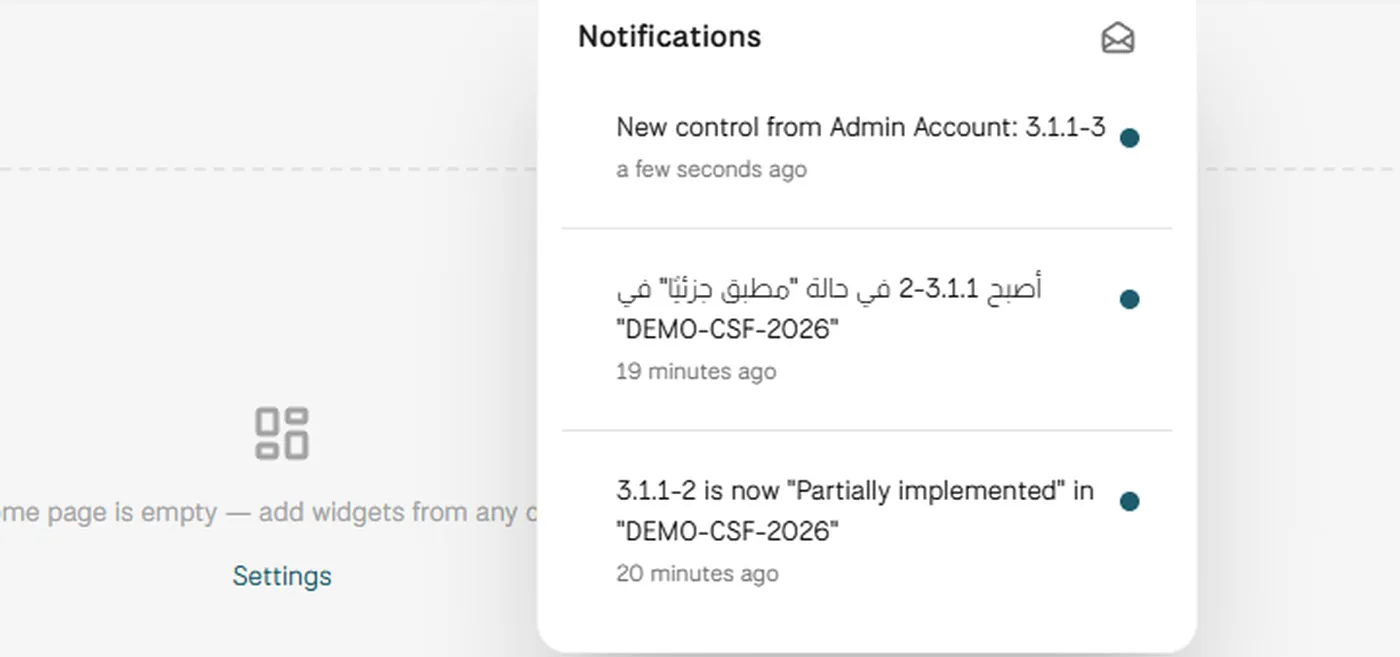
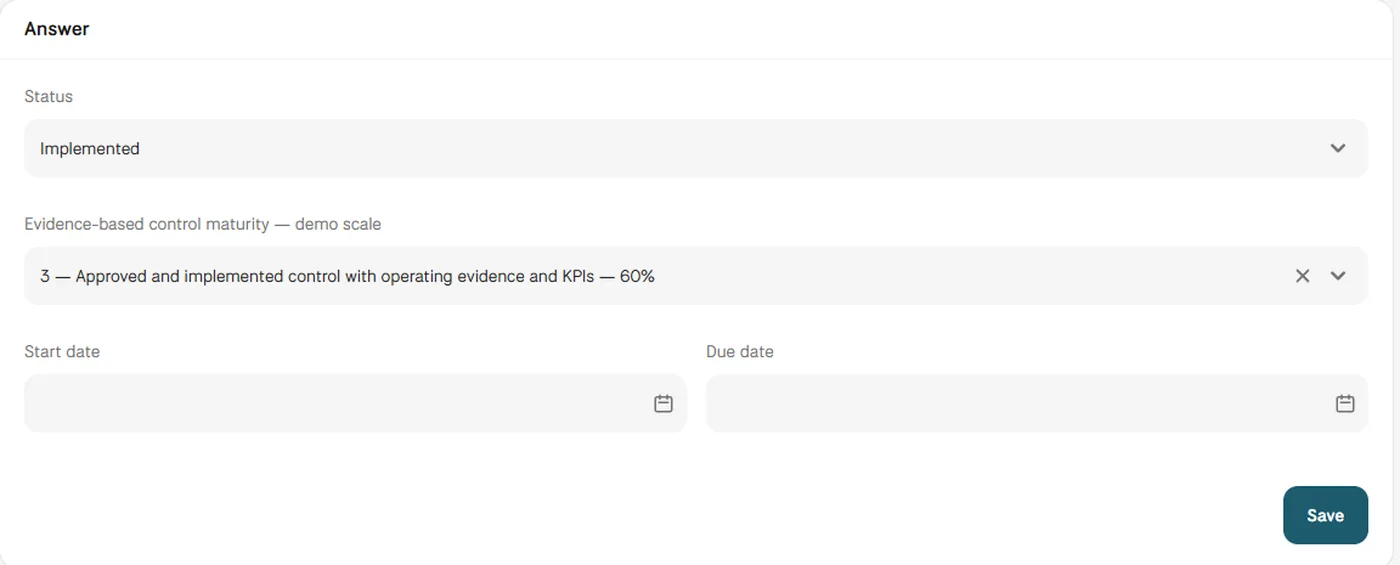
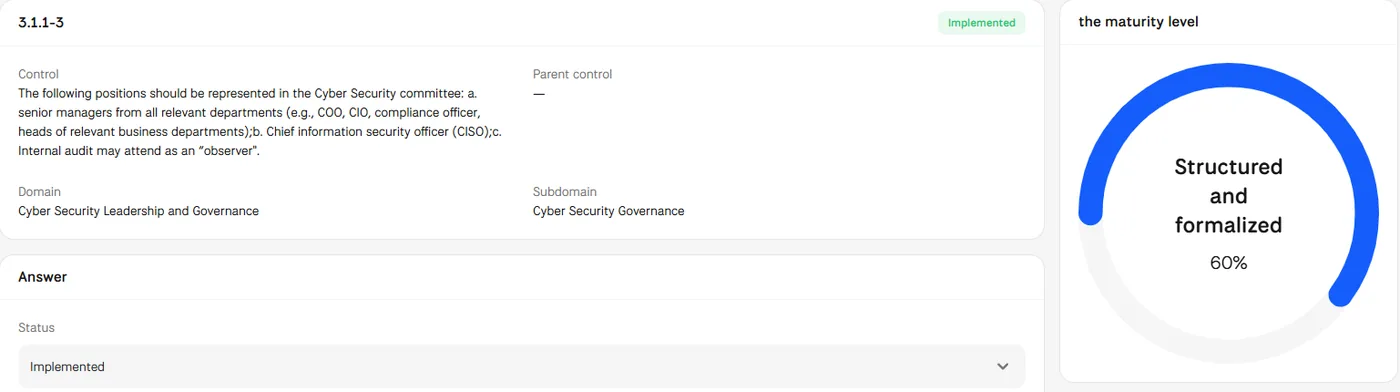
Screens from MUNTABIQ with demo data.
Each control in the assessment shows who is assigned to answer it.
Status, maturity level and supporting files sit on the same control, so an answer is reviewed on one page.
Managers see answered controls and the count by status during the assessment, not after the deadline.
Creates assessments, sets their scope and dates, and assigns controls without managing reminders by email.
Receives the control as a notification, then uploads the evidence and saves the answer in the same place.
Reviews answers against the required evidence and follows the status of each control across the assessment.
Yes. The Assignees tab accepts one or more people for each control. Each of them is notified of the control in the platform, and the Activity tab keeps each change with its author and time.
No. Answers come from the control owners, who choose the status and maturity level based on their evidence. If you already have answers, the Imports page can fill in an assessment's control answers from a spreadsheet.
Yes. The assessment page shows how many controls are in each status, and the compliance dashboard shows implemented and overdue controls, so open work is visible before the due date.
Request a demo and we will walk you through a full assessment cycle, from setting the scope to answered controls.
