GRC Workflow Automation
Design workflows in MUNTABIQ for recurring requests and approvals: defined steps, forms to fill in, approvals that reach the right people, and a timeline that keeps what happened in every request.
Made for: GRC Operations Manager, Compliance Manager, Process Owner
Sounds familiar?
An access or change request arrives and is emailed to the manager, then to the security officer, and one of the messages gets lost on the way. A week later the requester asks where the request stands, and the search starts again.
Nobody knows who holds the request right now, or since when.
The same request depends on who remembers the steps, so some get skipped.
A request stalls at one step, and nobody notices until the requester complains.
How MUNTABIQ helps
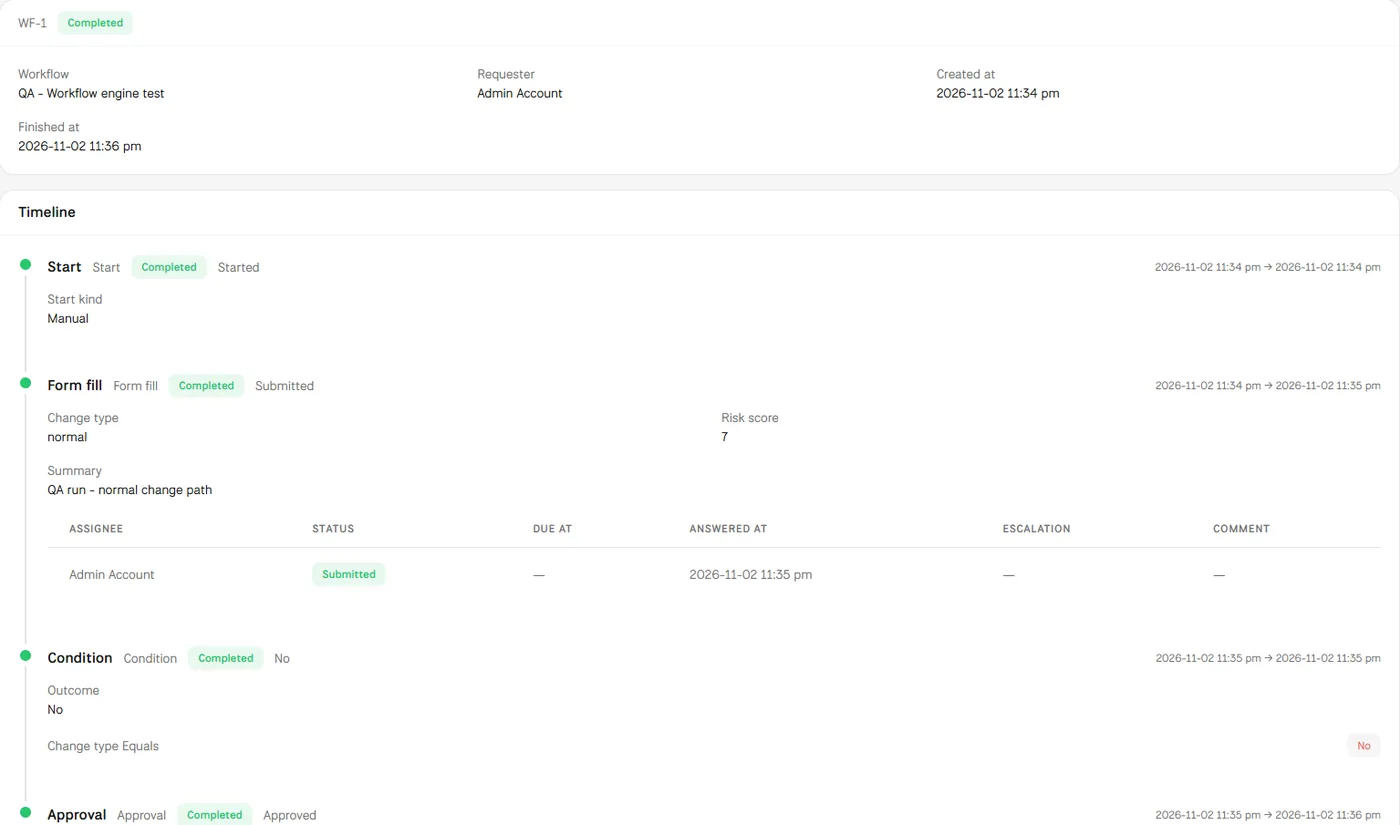
In MUNTABIQ you build each workflow in a visual designer from ready steps: Approval, Action, Notification, Sign document, Form fill, Condition, Compose text and Record data. You design the forms requesters fill in without code, each person finds what is waiting for them in My inbox, and every request keeps a timeline with the status of each step, who answered and when.
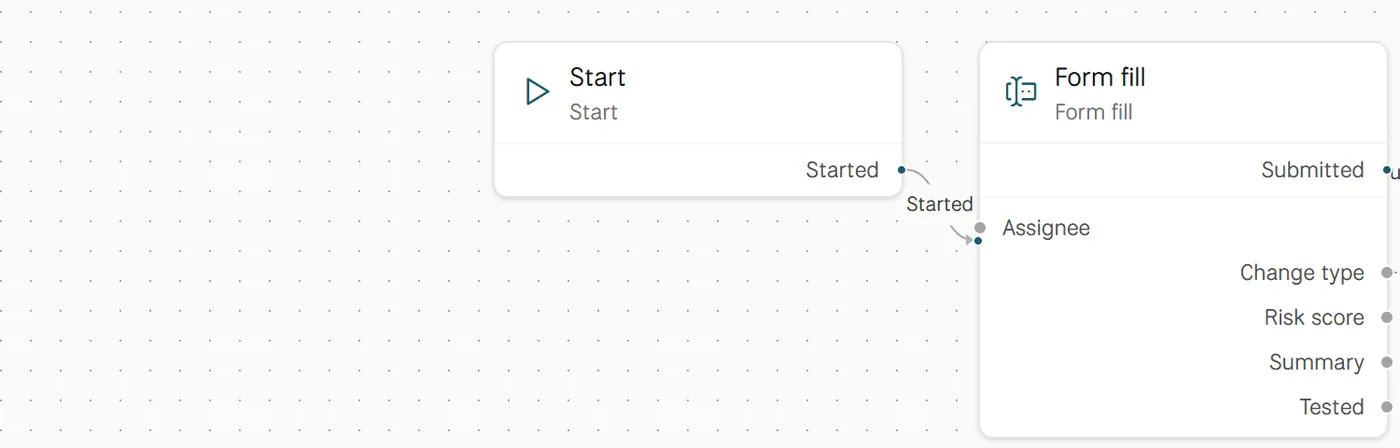
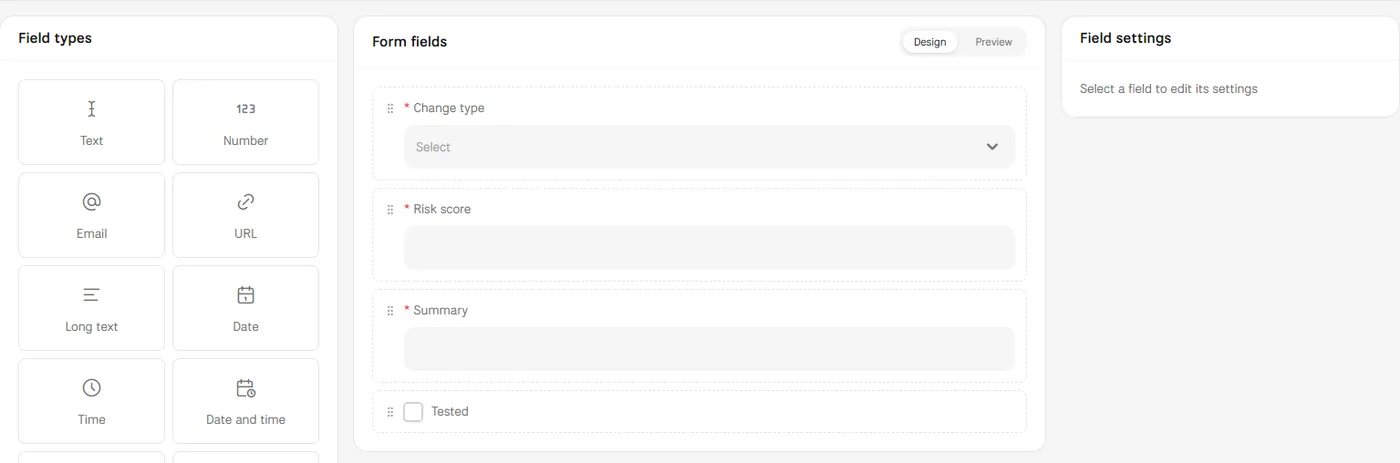
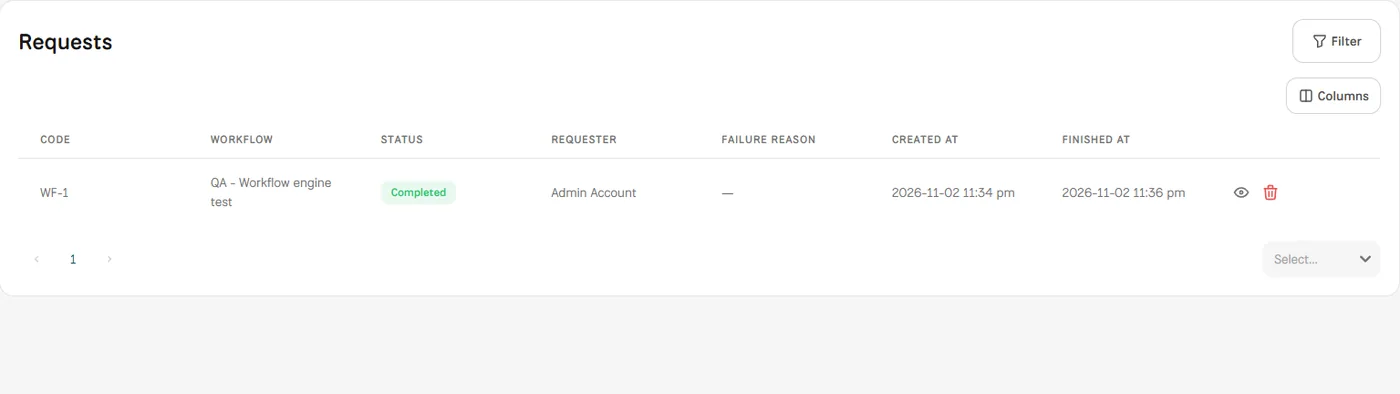
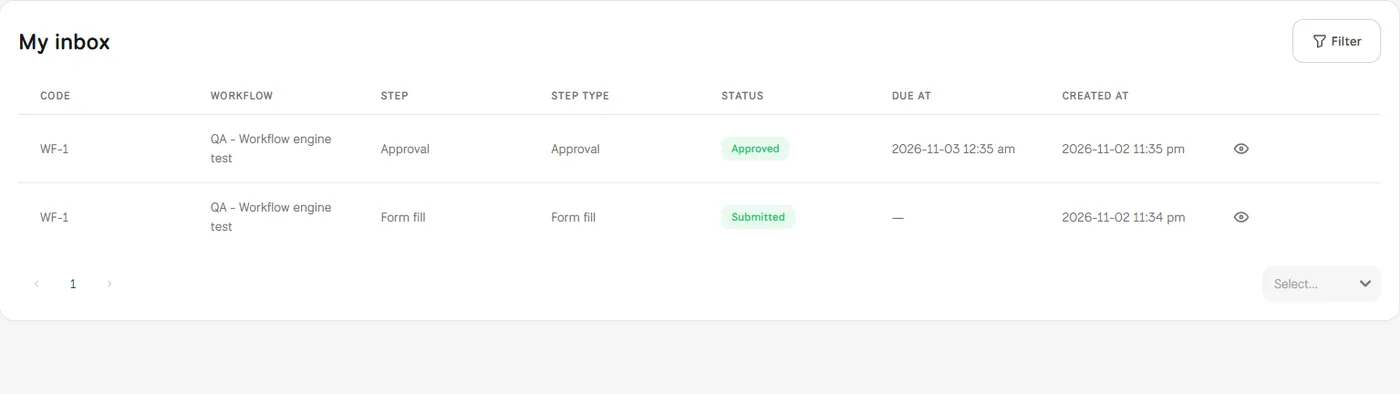
Screens from MUNTABIQ with demo data.
A request goes through the steps you designed, not the steps each person remembers.
Users see what is waiting for them in My inbox, and requesters can see where their request stands.
The timeline and each step's due time show where a request is held up, so you know what to improve in the workflow.
Turns recurring procedures into standard workflows and follows running requests and their status from one page.
Makes sure required approvals go through the agreed steps and that every decision is kept on the request timeline.
Designs the form and steps their process needs, and finds what is waiting for them in My inbox.
Yes. You build each workflow in a visual designer from steps such as Approval, Notification, Condition and Form fill, and design its forms from ready field types. The workflows list shows each workflow's type, manual or triggered by a module such as Tasks, and its status.
Yes. An Approval step is assigned to the people who must approve and appears in their My inbox, and the timeline records who approved, when and with what comment. In the demo request, the step requires everyone to approve.
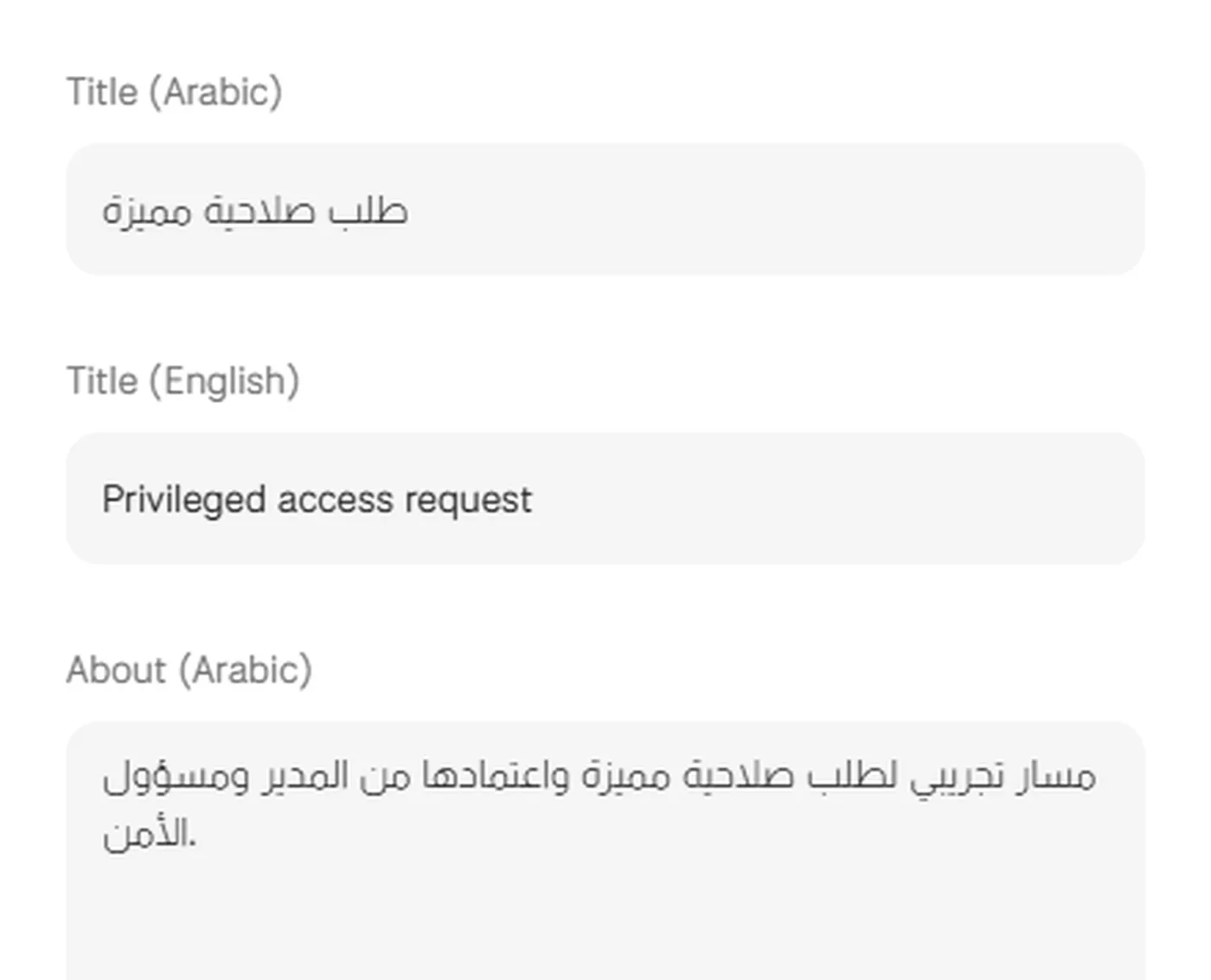
The designer includes a Notification step, and the module has notification templates with a title and subject in Arabic and English. The timeline shows each step's due time and an escalation field, and in the demo we review with you how escalation should apply to your processes.
Request a demo and we will show you how an approval workflow is built for a recurring request in your organization.
